
Instant Crypto Top-Up
Fund your card with supported cryptocurrencies in seconds and start spending immediately.
Spend your crypto as effortlessly as cash
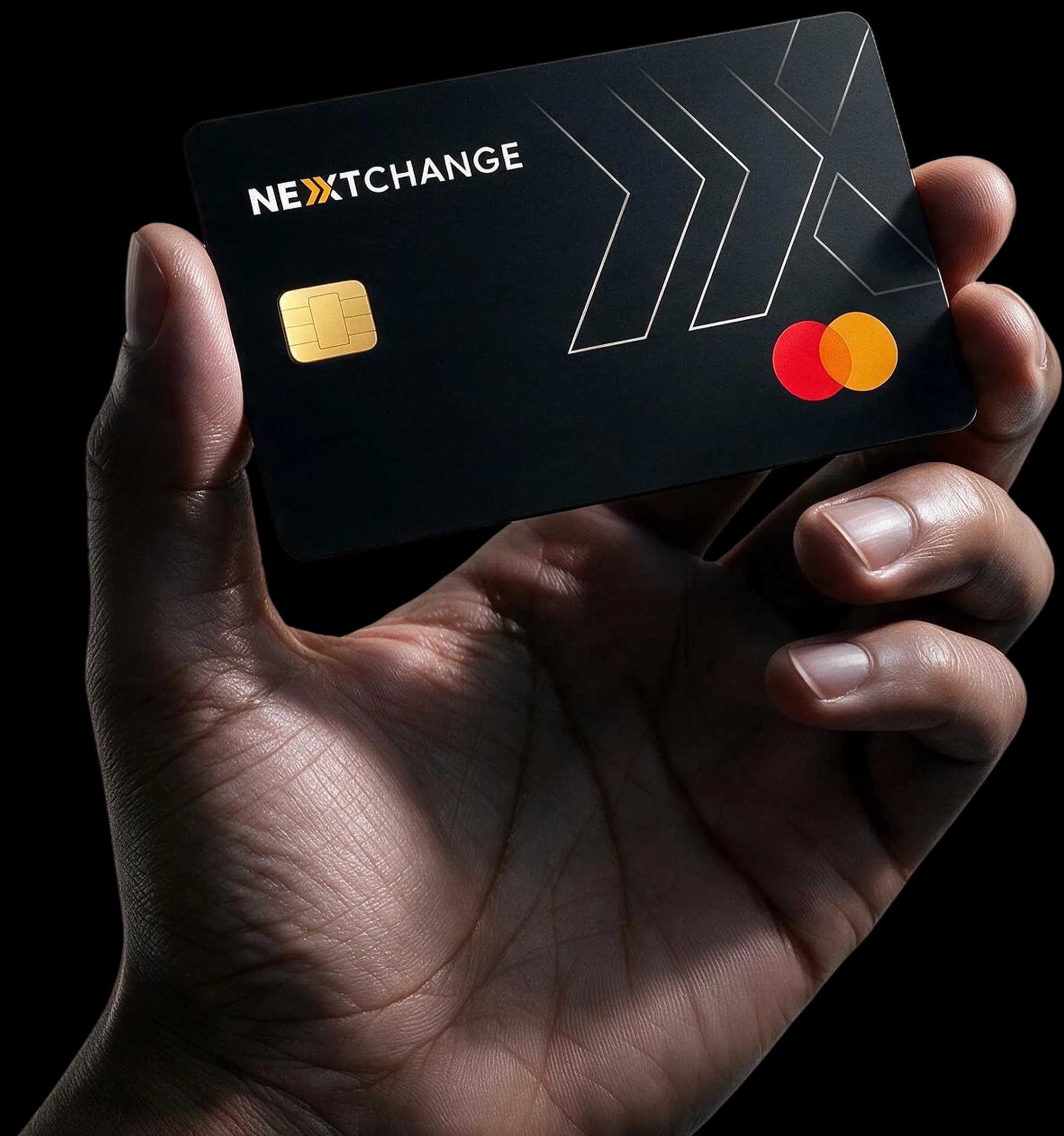
Top up your card with cryptocurrency in seconds and pay online, in-store, or
withdraw cash from ATMs around the world.
The NextChange Advantage
Fund your card with supported cryptocurrencies in seconds and start spending immediately.
Use your card in 180+ countries anywhere Mastercard is accepted, with seamless crypto-to-fiat conversion at the time of purchase.
Add your card to Apple Wallet or Google Pay and pay securely with your phone or smartwatch.
Withdraw local currency from supported cryptocurrencies whenever you need cash.
Get a virtual card instantly and receive your premium metal-inspired physical Mastercard for everyday spending.
Advanced fraud protection, instant card freeze, spending controls, and real-time transaction notifications.
Universal Usability
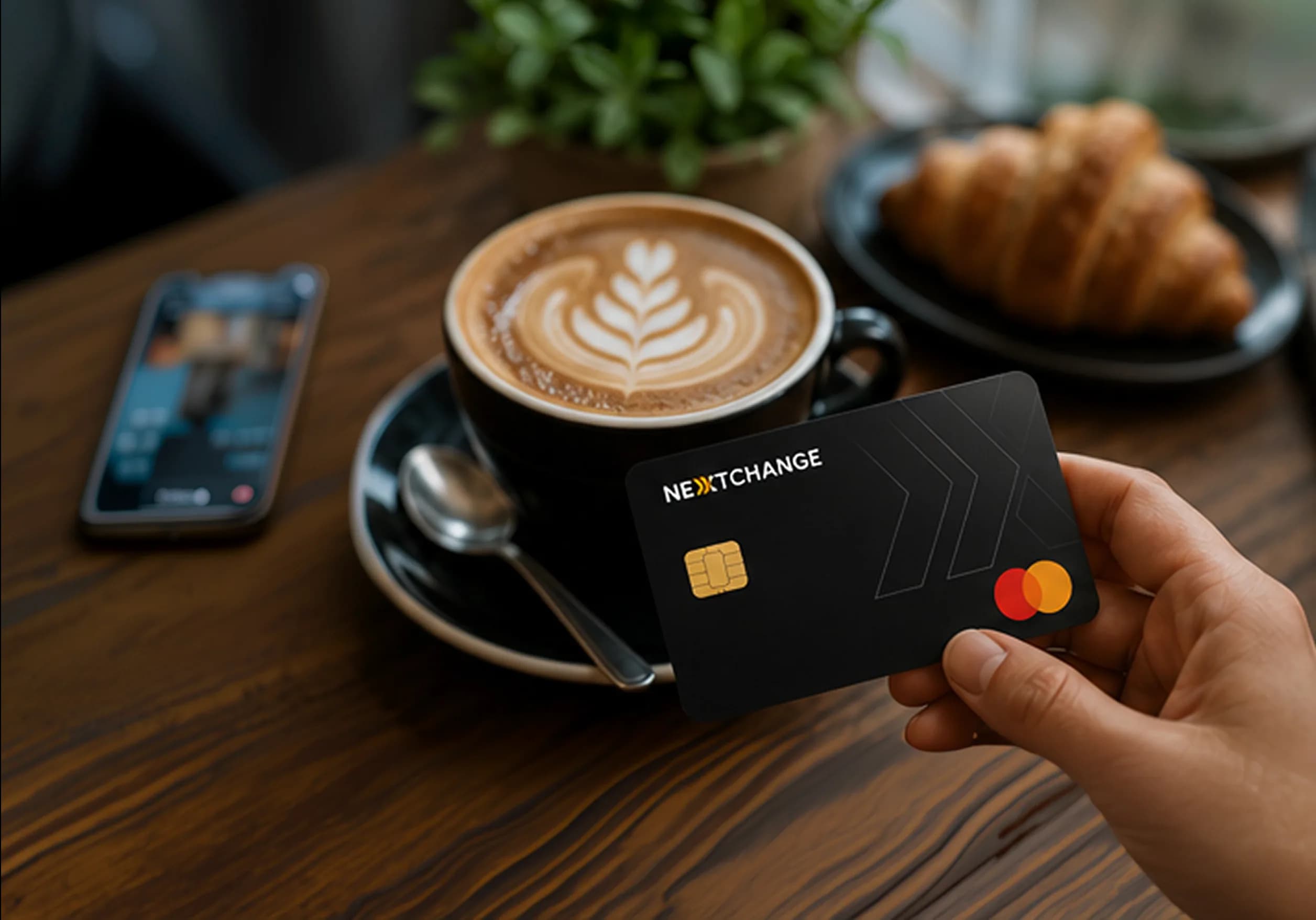
Buy Your Coffee.
Tap. Pay. Enjoy!
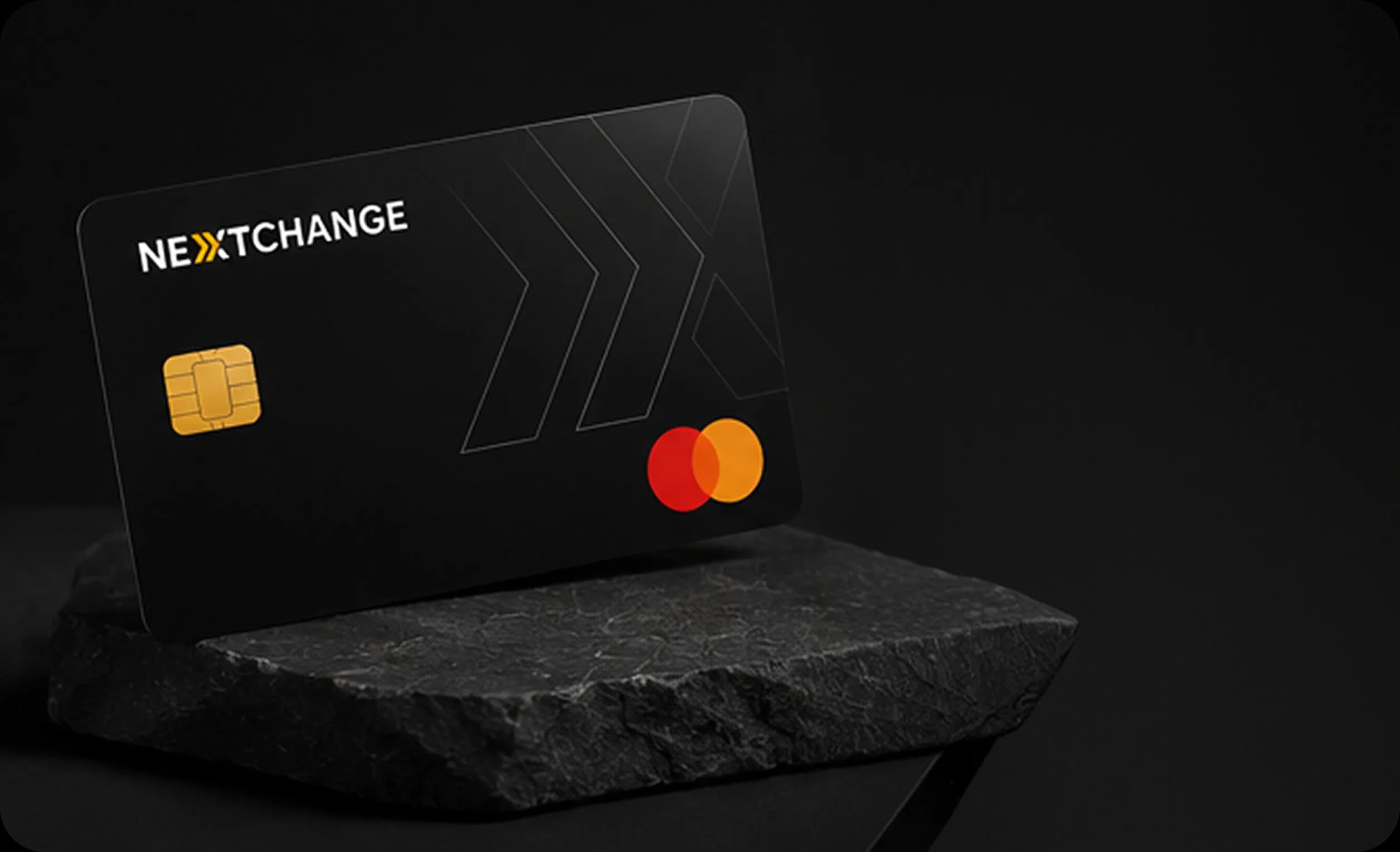
One Card, Endless Opportunities.
Use Your NextChange Card Anywhere
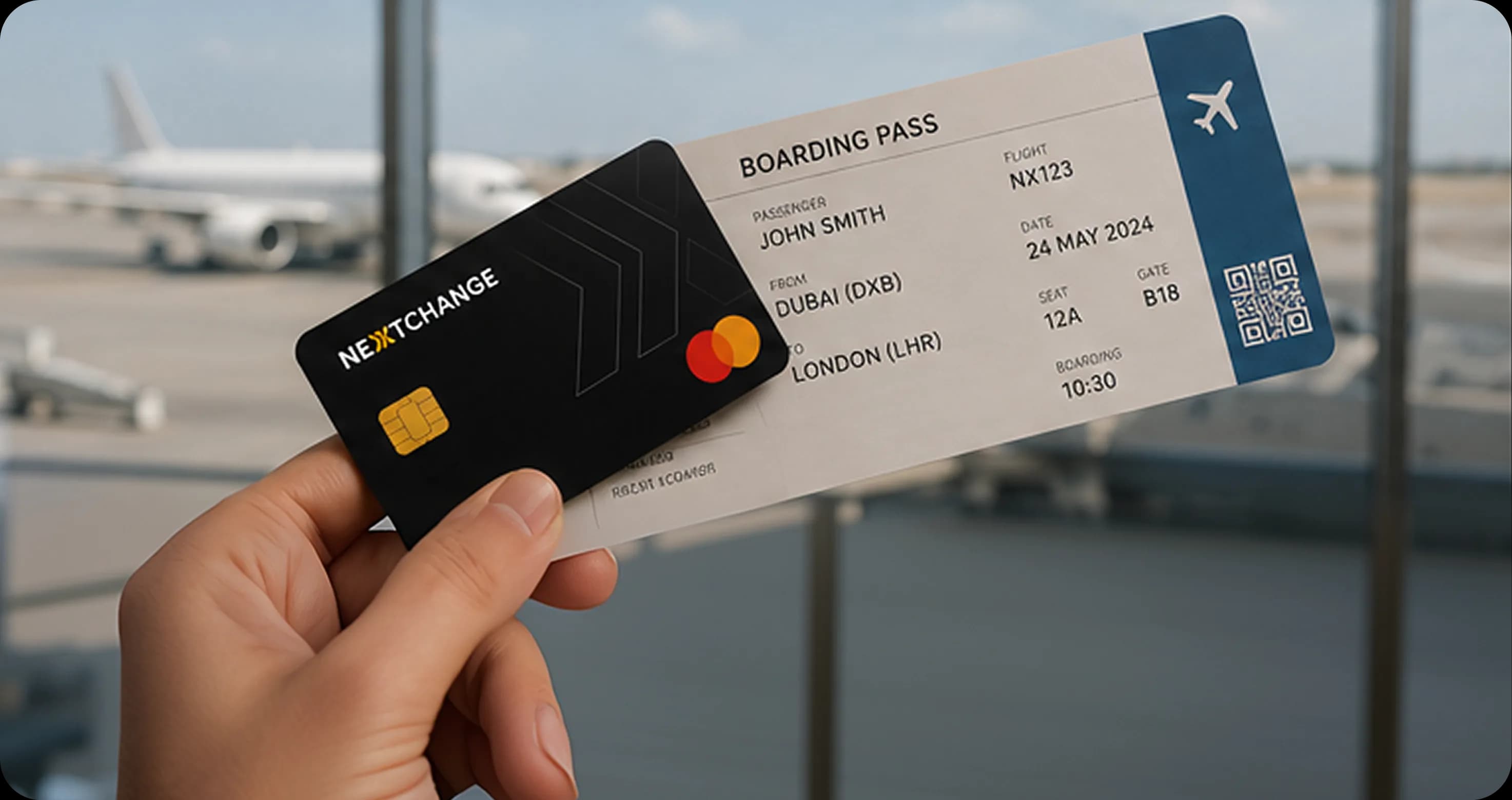
Book Flights Go Places.
Travel the World with NextChange
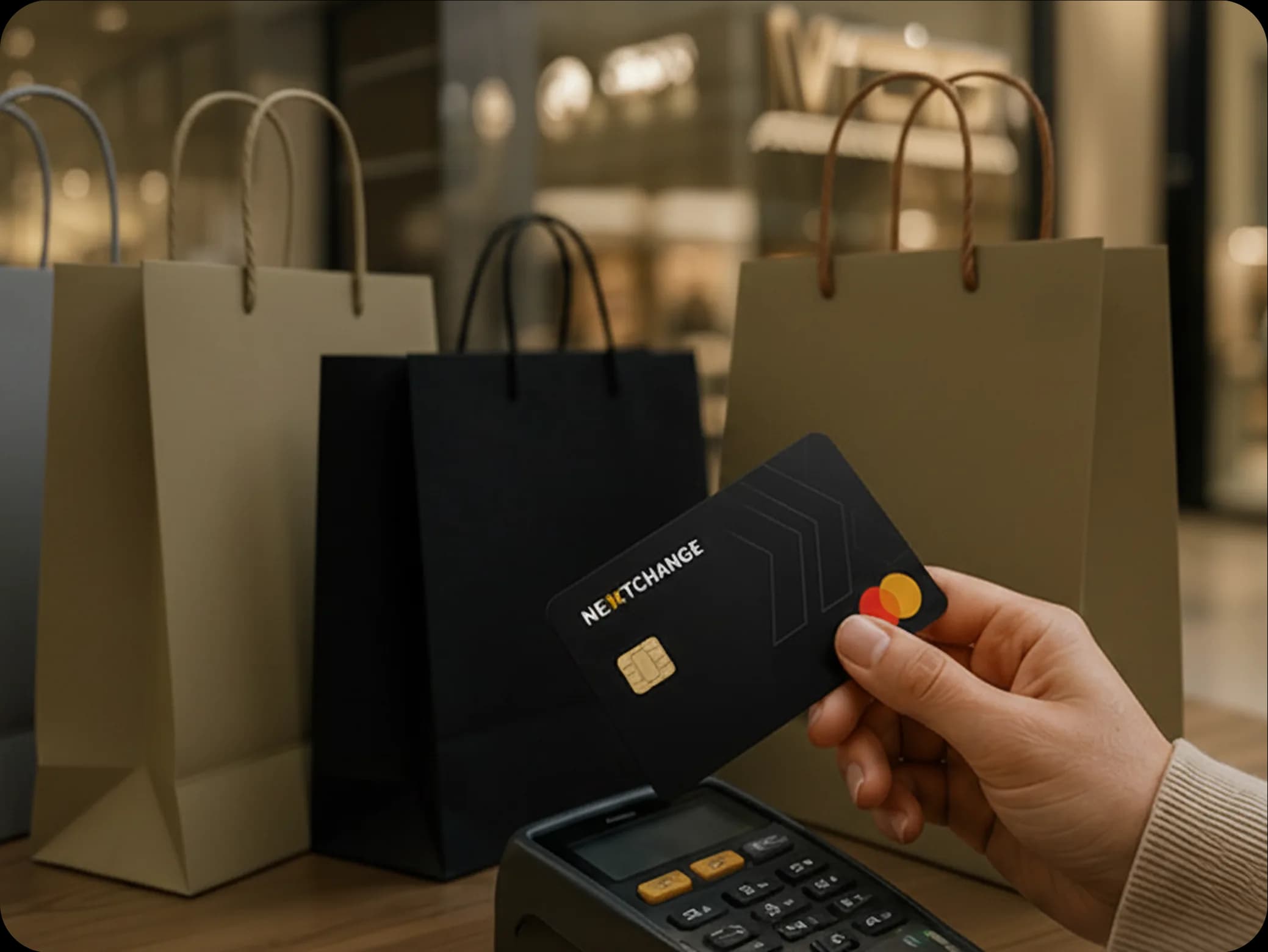
Effortless Shopping
Online or In-Store, We've Got You Covered
Three Simple Steps
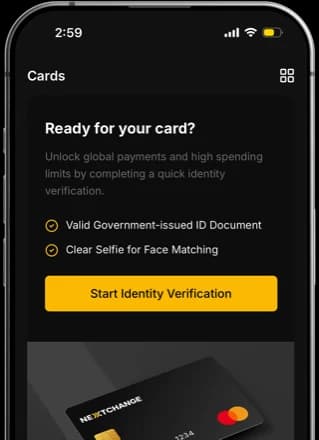
1
Complete your verification in just a few minutes and request a crypto card.


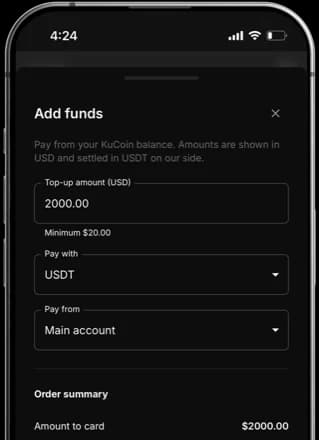
2
Deposit supported cryptocurrencies directly into your NextChange wallet.


3
Use your NextChange Mastercard online, in stores, or at ATMs worldwide.


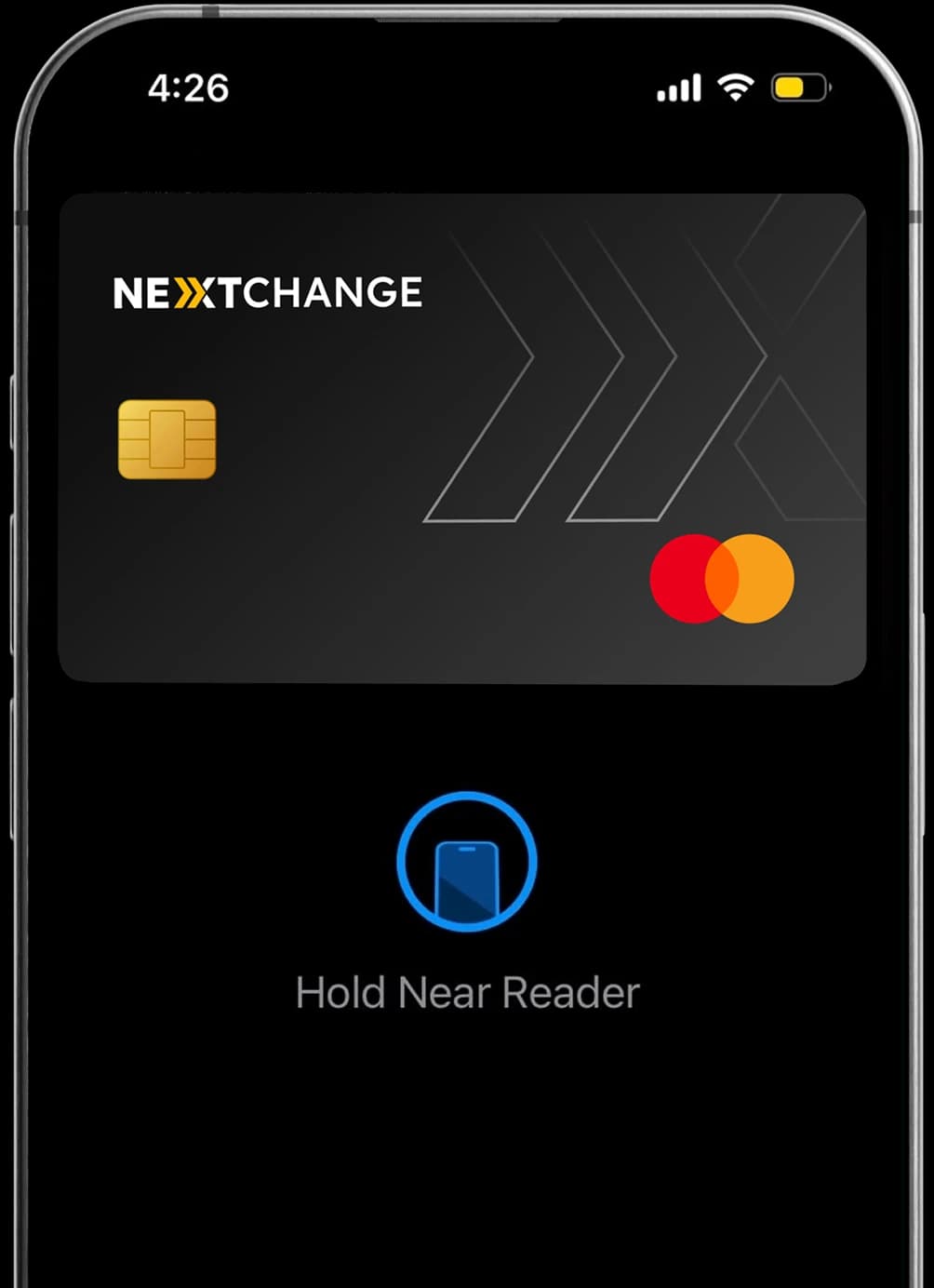
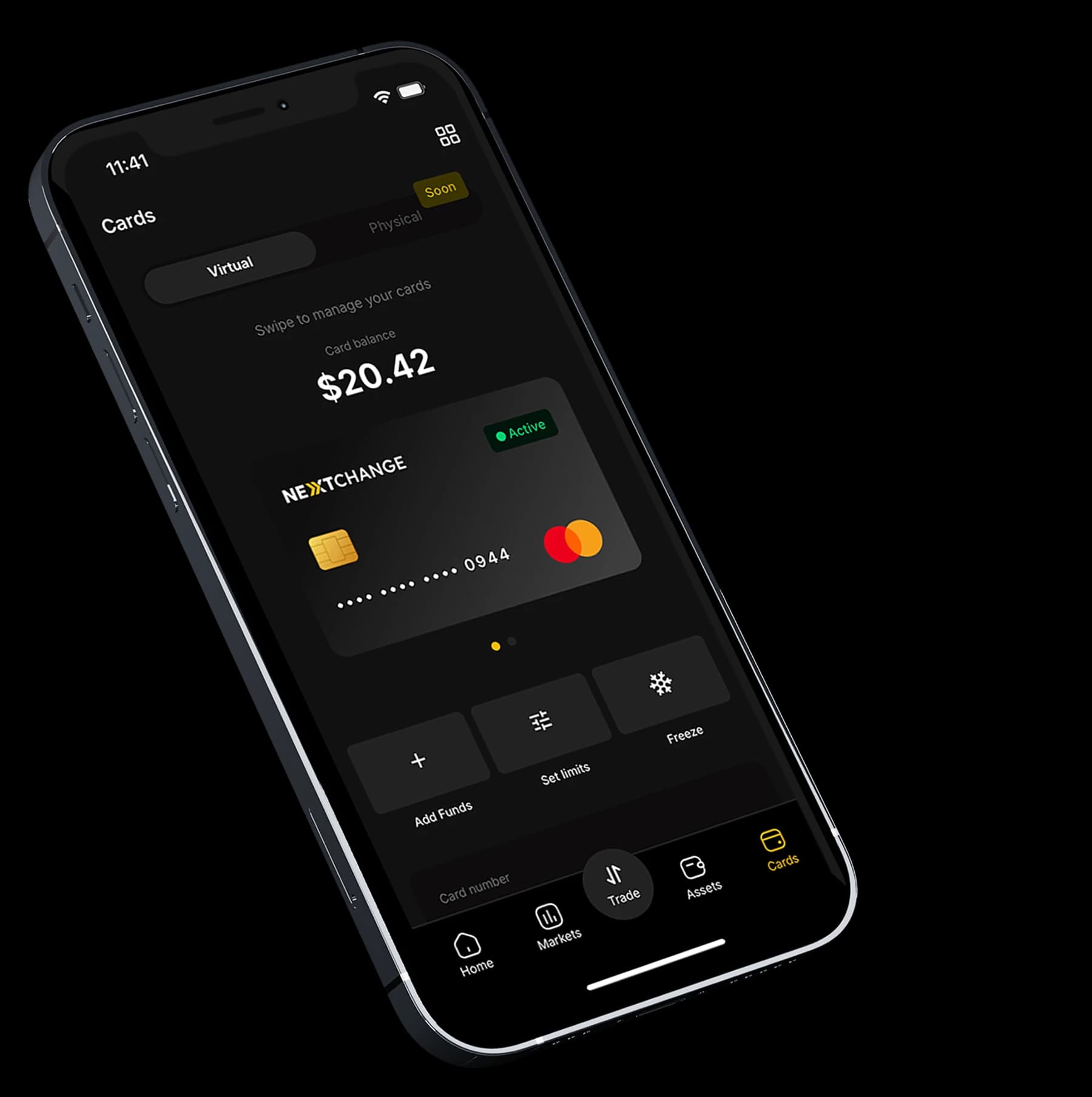
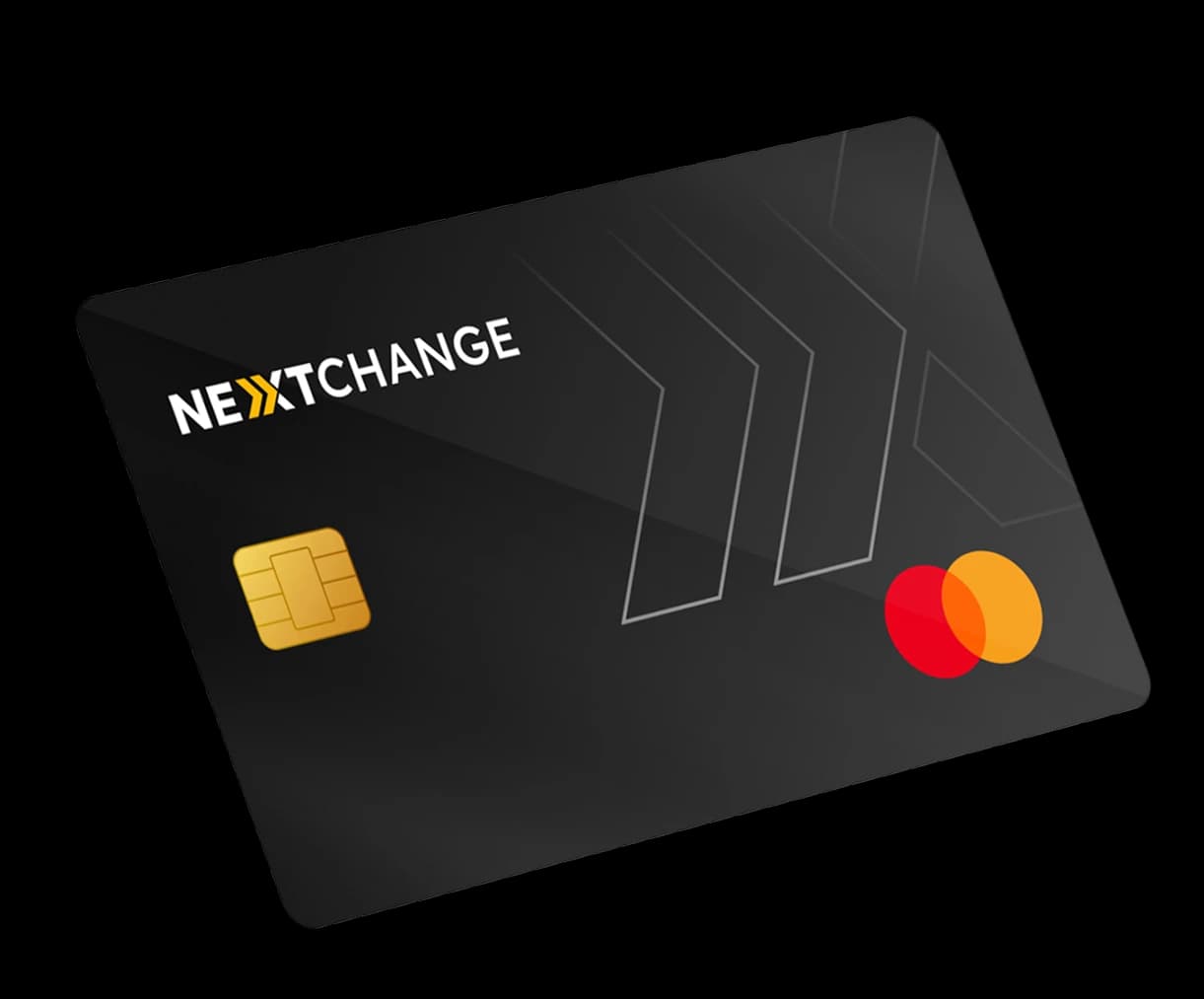
The NextChange Crypto Card allows you to spend cryptocurrency worldwide for online shopping, in-store purchases, contactless payments, and ATM cash withdrawals where supported.
Yes. The NextChange Crypto Card supports Apple Pay for fast and secure contactless payments. You can add your NextChange card manually to Apple Pay through the Wallet app, with the following steps:
On iPhone
1. Open the Wallet app.
2. Tap the + button in the top-right corner.
3. Select Debit or Credit Card.
4. Tap Continue.
5. If you don't want to scan the card, choose Enter Card Details Manually (or a similar option).
6. Enter the card number, expiration date, and security code (CVV).
7. Follow the verification process required by your bank/card issuer.
8. Once approved, the card will be added to Apple Pay.
Yes. The NextChange Crypto Card supports Google Pay for convenient mobile payments. You can add your NextChange card manually to Google Pay through Google Wallet, with the following steps:
On Android
1. Open Google Wallet on your Android phone.
2. Tap Add to Wallet.
3. Select Payment card → New credit or debit card.
4. Tap Enter details manually if you don't want to scan the card.
5. Enter the card number, expiration date, CVV, and cardholder details.
6. Accept the issuer's terms.
7. Complete the verification requested by entering the code received via Email.
8. Once verified, the card should appear in Google Wallet and be available for contactless payments if your card and device are supported.
The NextChange Crypto Card can be used anywhere Mastercard is accepted, including millions of merchants worldwide and supported ATMs.
The NextChange Crypto Card allows you to fund your card balance using supported stablecoins, such as USDT and USDC. You can deposit supported digital assets, including Bitcoin, Ethereum, XRP, and other available cryptocurrencies, into your NextChange account and convert them into USDT or USDC. The resulting stablecoin balance can then be used to fund your NextChange Crypto Card for eligible purchases.

Your crypto should work like money. With NextChange Mastercard, your digital assets become instantly spendable, giving you the freedom to shop, travel, and pay anywhere Mastercard is accepted.
Get Your NextChange Card Today